Products / SA Payment Verify
Orders confirm themselves when the money lands — no more matching TrxIDs
When a customer sends money to your personal bKash/Nagad number, your phone reads the SMS and the order, booking or bill on your website is confirmed at once. Fake TrxIDs no longer get through.
- Updates included
- bKash / Nagad
- Support in Bangla
Sound familiar?
Fake TrxIDs
A customer types a made-up TrxID, you ship without checking — no money, no product.
Ordered at night, confirmed next morning
While you sleep the customer waits, and many go to another shop.
Opening the bKash app again and again
50 orders a day means hunting for 50 messages — slow, and mistakes happen.
Just a few steps
Install the app on your phone
On the phone with your bKash/Nagad SIM — scan a QR code and it is linked to your site.
The customer sends money
They see your number at checkout and Send Money — with or without a TrxID.
The order confirms itself
When the SMS matches, the order is confirmed, the customer gets a receipt and you get a Telegram alert.
The fix, in one plugin
WooCommerce auto-confirm
bKash/Nagad at checkout on any WooCommerce theme.COD delivery-charge advance
Fewer fake orders — no advance, and the order cancels itself.Advance, instalments and due
30% now, the rest later — cash in hand can be recorded too.Payment links
No website needed: send a link on WhatsApp/Messenger and get paid.Telegram alerts
Know the moment money lands, and approve from there.Due reminders
Set a date and the customer is reminded automatically.Several numbers
When one number hits its daily limit, the next one shows.Bangla app and reports
Today's income, dues, checks — all on your phone.API and webhooks
Connects to Laravel or any other website too.- Online shops
- Turf booking
- Coaching
- Service businesses
- Facebook sellers
Your business, in your pocket
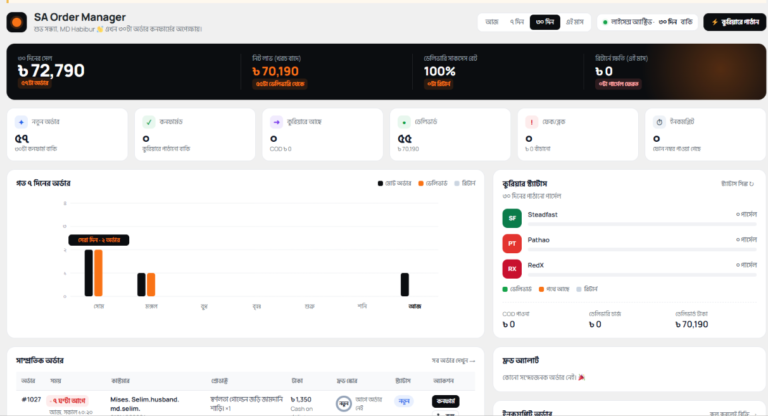
Our Bangla app runs on the phone with your bKash/Nagad SIM. From matching payments to today's numbers — all in one place.
- Reads bKash/Nagad SMS and matches payments by itself
- A notification for every new payment
- Today's income, due bills, payments to check — at a glance
- New bills and payment links from the app
- One-tap updates, everything in Bangla
- Never sends OTP or PIN messages
Your money, your site, your data
Many auto-payment services check payments on their own servers, and your customers' data goes there too. SA Pay Verify runs entirely on your own website — no middleman, and no commission per transaction.
| Topic | SA Payment Verify | Typical service |
|---|---|---|
| Commission per payment | None | Often |
| Where the data lives | On your site | On their servers |
| COD advance, instalments, due | Yes | Usually not |
| Bangla app and support | Yes | Varies |
Pick your plan
Paid yearly. Updates and support included.
No. Any personal or agent bKash/Nagad number works.
When it comes back on it sends the waiting SMS. You can link a backup phone too.
Any theme with WooCommerce. No website? Use payment links.
No. Only bKash/Nagad payment SMS go to your own site. OTP or PIN messages are never sent.
After you buy or start a free trial you get the download link by email and in your account. The plugin's Devices page also shows a QR code.
Place your order
Send Money via bKash or Nagad, then enter your number and Transaction ID. Your licence key is emailed after we verify.
Bought before? See your licences and downloads in My account →